
Concept illustrationAnker 332 vs Anker 555: Ports, Display Limits, and Charging Compared
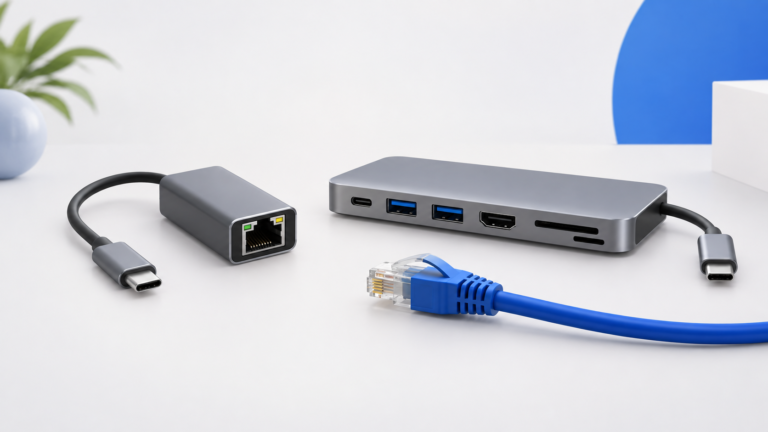
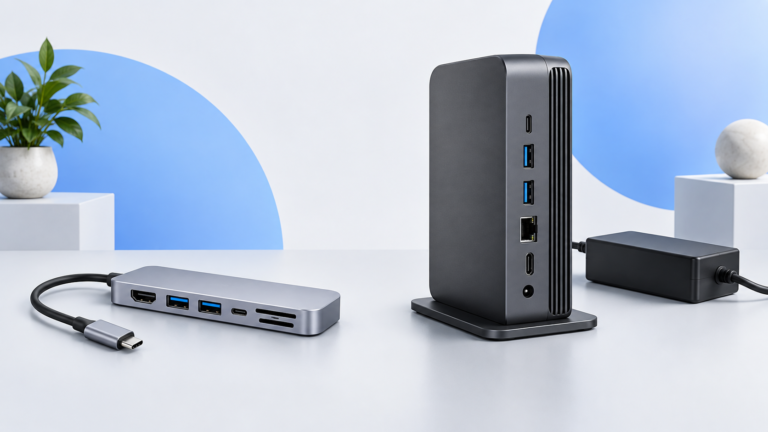
Compare Anker A8355 and A8383 by the connections you actually need: HDMI refresh rate, USB data, Ethernet, memory cards, and laptop charging.

Pricecoo · PRODUCT RESEARCH
Compare everyday products, understand the tradeoffs, and check offer conditions before you buy.
Research-based comparisonsSources and limits stated
Practical buying guidesChoose for your devices and budget
Concept illustrationCompare Anker A8355 and A8383 by the connections you actually need: HDMI refresh rate, USB data, Ethernet, memory cards, and laptop charging.
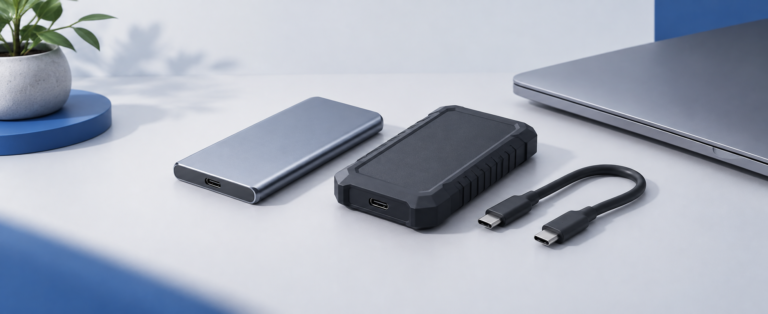
Concept illustrationCompare the T7 Shield and T9 by USB interface, host requirements, and your actual workflow before paying for a speed tier you…
Concept illustrationChoose between a compact keyboard and a wider number-pad layout by checking desk space, device switching, receiver compatibility, and what comes in…
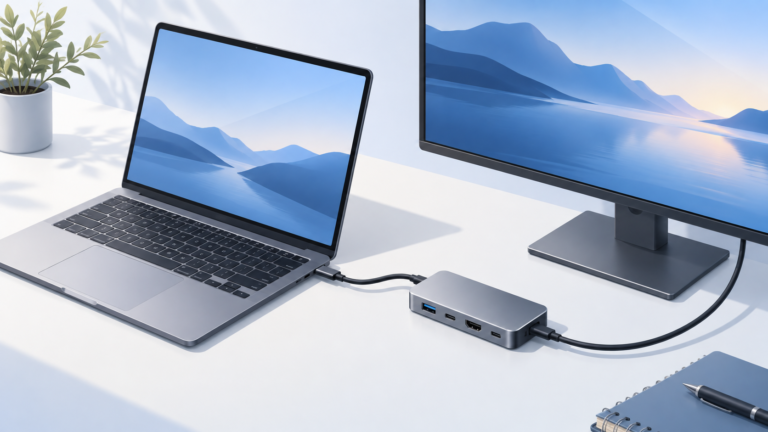
Concept illustrationDecide whether your desk needs a portable USB-C hub or a Thunderbolt 4 dock by checking host support, displays, peripherals, power, and…
5 articles
Concept illustrationAvoid incompatible receivers and missing accessories: compare host support, pairing steps, shared-receiver compatibility, and multi-device switching before buying.
Concept illustrationWork out whether a monitor's USB hub, charging, and network ports cover your desk—or whether a separate dock still fills an important…
Concept illustrationChoose a standalone Ethernet adapter when networking is the missing connection. Choose a hub when you also need display, storage, card-reader, or…
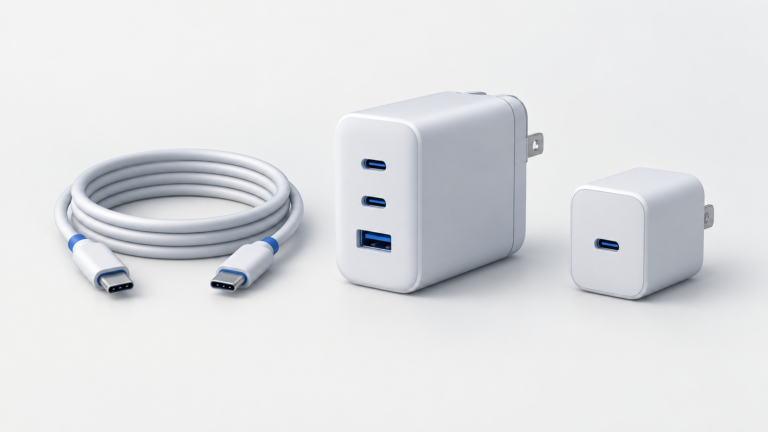
Concept illustrationA 65W label does not mean every port supplies 65W at once. Learn to match a charger's allocation table to the devices…
Concept illustrationA USB-C connector does not tell you everything a cable can do. Match the power rating, data rate, video support, and length…
No matching articles. Choose All to restore the collection.
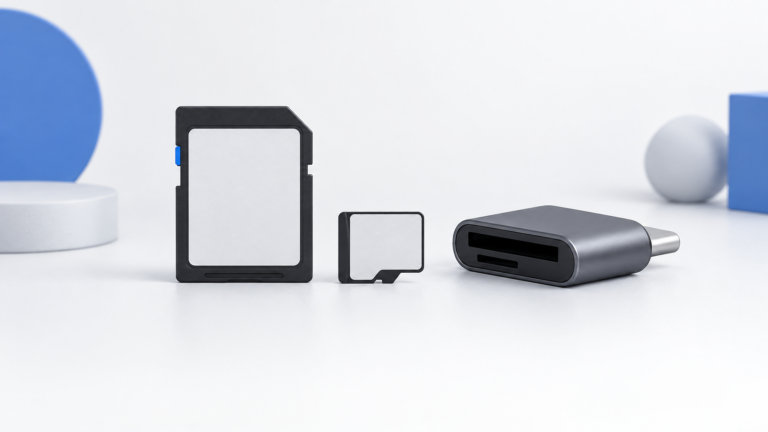
Concept illustrationDecode the card's bus interface, minimum-write class, and advertised read speed, then match the exact requirements in your camera manual.
Concept illustrationTrace the port, cable, shared connection, and test conditions before replacing an SSD that slows down through a hub.
Concept illustrationChoose a portable SSD by the computers, files, capacity, and connections you actually use—not just the speed on the box.
We cite specifications and manufacturer documentation. Published claims are not our measurements.
We compare compatibility, features, and limits for specific setups.
Some shopping links may earn us a commission, at no extra cost to you.
Browse the configured shopping destinations.
We may earn a commission when you shop through these links, at no extra cost to you.